
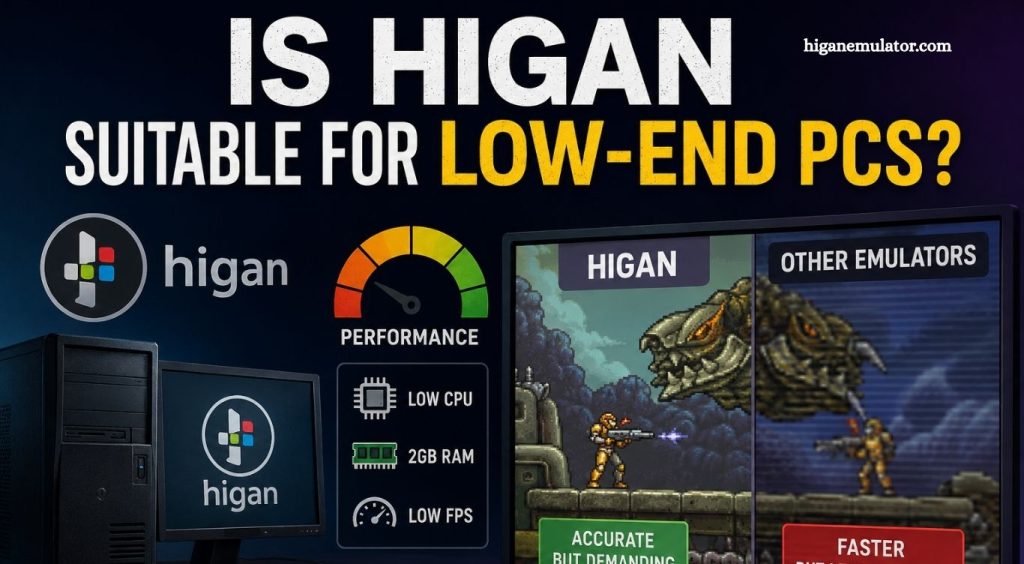
Choosing the right emulator can make a huge difference in gaming performance, especially for users with older computers. Many retro gaming fans wonder whether Higan is a good option for low-end PCs or if another emulator would deliver a smoother experience. Understanding how Higan works helps users make the right decision before installing it.
Higan is well known for its focus on hardware accuracy rather than speed. This design philosophy allows classic console games to run with impressive precision, but it also increases system requirements. Before downloading Higan, users should understand how its performance compares with lightweight emulators.
Understanding Higan Performance
Higan is a multi-system emulator designed to recreate original gaming hardware as accurately as possible. Instead of prioritizing maximum frame rates on older machines, it focuses on delivering an authentic gaming experience. This approach requires additional CPU resources, making the emulator more demanding than many alternatives.
Read More: What Makes Higan Different From Other Emulators?
Modern processors can usually handle Higan without difficulty, but entry-level or aging hardware often struggles with demanding emulation tasks. Users may notice slower performance, audio stuttering, or inconsistent frame rates on low-spec systems.
Hardware Requirements for Smooth Gameplay
Although Higan does not require a dedicated graphics card for most classic consoles, processor performance plays a major role. Dual-core processors from older generations may experience noticeable slowdowns during gameplay. Limited RAM can also reduce overall responsiveness, especially when multiple applications remain open.
A newer multi-core processor combined with sufficient memory creates a much smoother experience. Even though storage requirements remain relatively small, CPU capability remains the most important factor.
Why Low-End PCs May Face Performance Issues
Higan performs detailed hardware emulation instead of using shortcuts that improve speed. Every component of the original console receives careful simulation, increasing the processor workload. This accuracy benefits preservation enthusiasts but creates additional strain on weaker computers.
Background applications, outdated drivers, and limited system resources can further reduce emulator performance. Older laptops and budget desktop systems often experience these limitations more frequently than newer machines.
Comparing Higan with Lightweight Emulators
Several emulators focus primarily on speed rather than perfect hardware accuracy. Programs such as Snes9x or mGBA generally consume fewer system resources while maintaining excellent compatibility for most games. These alternatives often provide smoother gameplay on low-end PCs.
Higan remains an excellent choice for users seeking the highest possible emulation accuracy, but lightweight emulators usually offer a better balance between performance and playability for entry-level hardware.
Can You Optimize Higan for Older Computers?
Some performance improvements are possible by closing unnecessary background applications and ensuring the operating system remains updated. Lower system workload allows the processor to dedicate more resources to emulation.
Upgrading RAM may improve overall system responsiveness, although processor limitations remain the primary bottleneck. Users with significantly outdated hardware should consider lighter emulators if consistent performance becomes a priority.
Frequently Asked Questions
Is Higan good for low-end PCs?
Higan is not the best choice for low-end PCs because it prioritizes hardware accuracy, which requires more processing power than lightweight emulators.
What are the minimum requirements for Higan?
Higan runs best on a modern multi-core processor with sufficient RAM. Older dual-core systems may experience slower performance.
Why does Higan run slowly on older computers?
Higan accurately emulates original console hardware, creating a heavier CPU workload that older processors often cannot handle efficiently.
Can I improve Higan performance on a low-end PC?
Yes. Closing background applications, updating drivers, and freeing up system resources can improve performance, although hardware limitations will remain.
Which emulator is better than Higan for older computers?
Lightweight emulators like Snes9x and mGBA generally provide better performance on low-end PCs while maintaining excellent game compatibility.
Does Higan require a dedicated graphics card?
No. Higan mainly relies on CPU performance rather than a powerful dedicated GPU for most supported systems.
Is Higan worth using for retro gaming?
Yes. Higan is an excellent option for users who value highly accurate emulation and have hardware capable of handling its system requirements.
Conclusion
Higan delivers exceptional emulation accuracy, making it an excellent choice for retro gaming enthusiasts who value an authentic experience. However, its high CPU demands make it less suitable for low-end PCs, where performance issues may affect gameplay. If your computer has modern hardware, Higan is a reliable option. For older or budget systems, lightweight emulators offer a smoother gaming experience while still providing excellent compatibility with classic games.